Delete a Permission Group
Quick Overview
Delete a permission group when it is no longer needed. Deletion is immediate and cannot be undone.
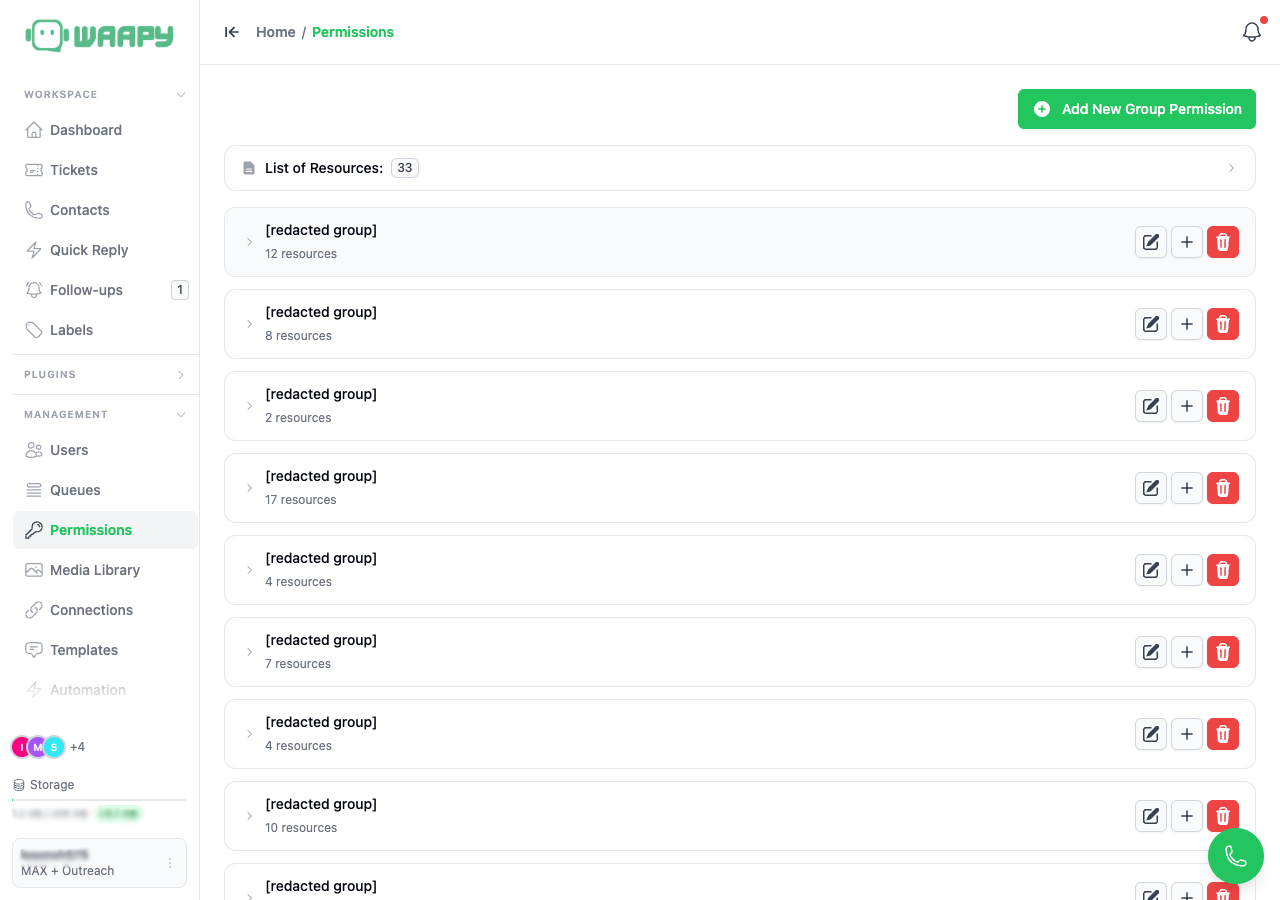
Delete a Group
- Click the Trash icon next to a group.
- Deletion is immediate and cannot be undone.
- A group cannot be deleted while users are assigned to it. Remove the group from users first, then delete.
- Deleting a group does not delete users.
Before You Delete
- Check the Users page for members assigned to the group.
- Remove the group from those members and save.
- Delete the group after no users remain assigned.