Great news for automation enthusiasts, CRM managers, and customer support rockstars! We are thrilled to announce that WaaPY’s dedicated nodes are now officially live across the entire n8n ecosystem. Whether you are self-hosting or running your workflows entirely on n8n Cloud, you can now access WaaPY natively.
If you’ve been looking for a way to bridge the gap between your custom workflows and your WhatsApp communication channels without dealing with messy custom HTTP requests, your day just got a whole lot better. You can now build powerful, real-time WhatsApp automations seamlessly, no matter how you host your n8n instance.
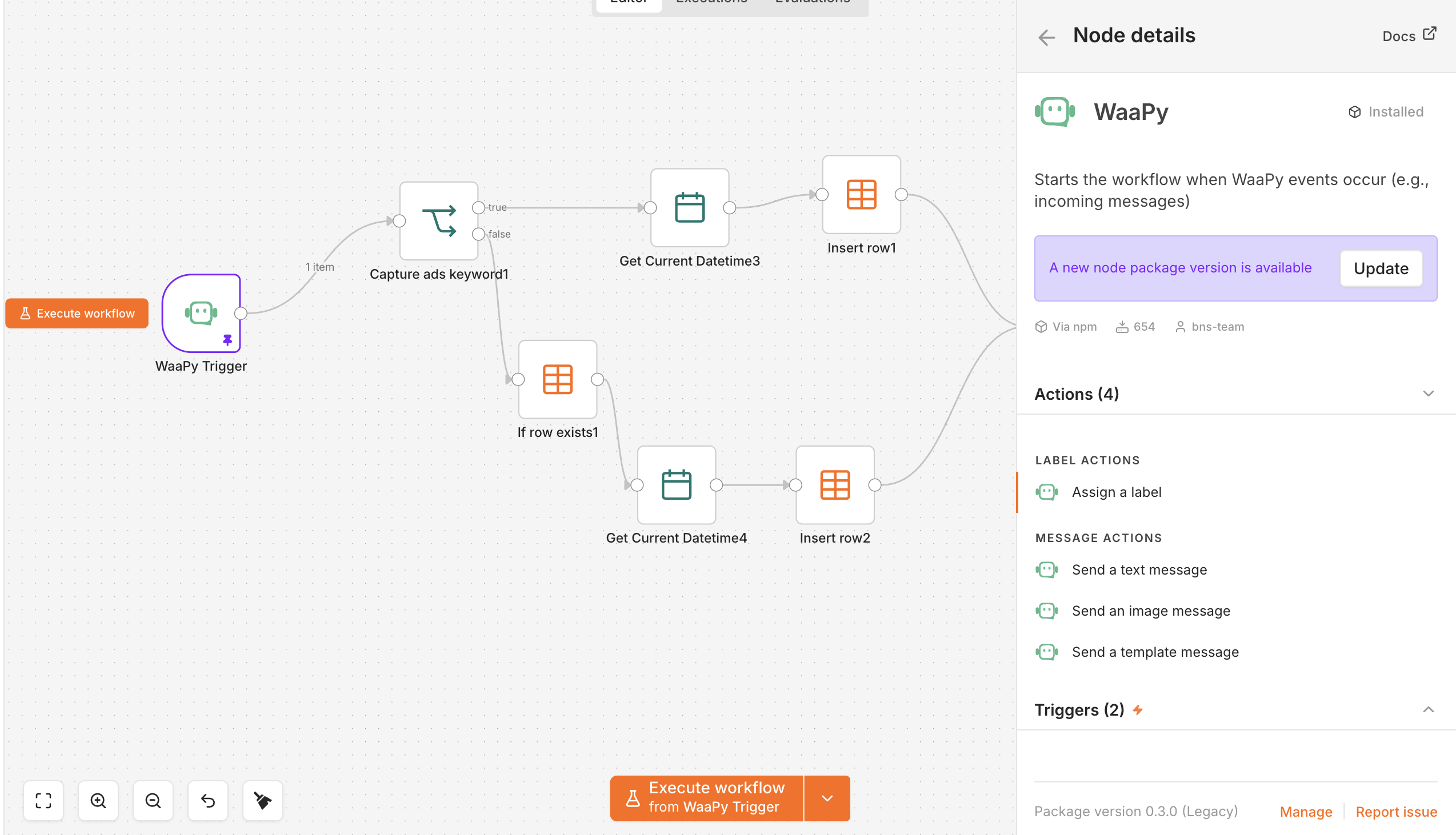
Here is a breakdown of what you can do with the new WaaPY n8n nodes right out of the box.
⚡ The Triggers: Listen to Your Audience in Real Time
Automation is only as good as its timing. With WaaPY’s trigger nodes, your n8n workflows can listen for events instantly, allowing you to react to customer interactions the second they happen.
Incoming Messages: Trigger workflows the moment a customer texts your WhatsApp number. Perfect for building advanced AI chatbots, logging leads into your CRM, or sending instant auto-responses.
Ticket Status Change: WaaPY’s ticketing system can now fully sync with your operations. When a team member changes a conversation status (e.g., from Pending to Resolved), n8n can instantly fire off updates to tools like Slack, Trello, or Jira.
🛠️ The Actions: Drive Engaging Conversations
Once your workflow is triggered, the WaaPY node gives you a rich set of actions to communicate back with users or manage your shared inbox effortlessly.
1. Send Text Messages
Keep it simple and direct. Send plain text confirmations, alerts, or personalized follow-ups dynamically pulling data from other nodes in your workflow.
2. Rich Multimedia Messages
Text only goes so far. Deliver a premium customer experience by sending media directly through your workflow.
📁 PDFs & Documents (Invoices, receipts, guides)
📸 Images & Videos (Product lookbooks, onboarding tutorials)
🎵 Audio notes
3. Official Template Messages
Need to initiate a conversation outside the standard WhatsApp 24-hour support window? Send pre-approved Meta Template Messages seamlessly to re-engage your customers with shipping updates, appointment reminders, or abandoned cart alerts.
4. Update Labels Easily
Organization is key to a clean inbox. You can use actions to dynamically add, remove, or update labels on a chat conversation based on user data. For example, if a user clicks a specific link, n8n can automatically label them as a “Hot Lead” inside your WaaPY dashboard.
📦 How to Get Started
Getting up and running takes less than two minutes, regardless of your setup:
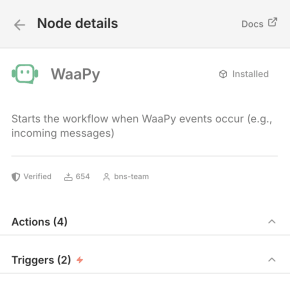
On n8n Cloud: Simply open your workflow editor, search for the WaaPY node directly in the canvas panel, and add it to your workflow!

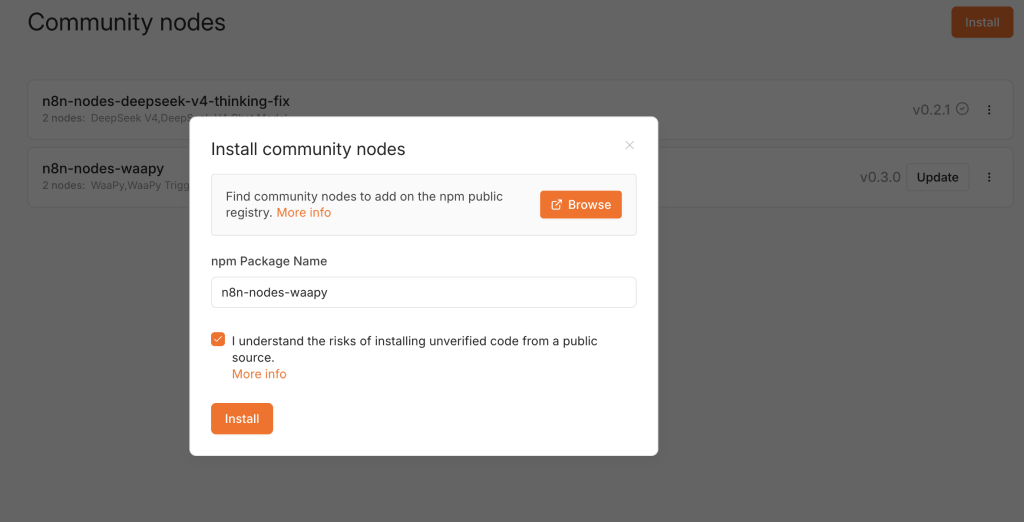
On Self-Hosted n8n: Navigate to Settings > Community Nodes, install the official WaaPY package, and you’re good to go.
Once added, just grab your API Credentials from your WaaPY dashboard, plug them in, and start building!
💡 What Will You Build First?
By combining WaaPY’s robust WhatsApp infrastructure with n8n’s powerful logic, the possibilities are practically endless. You can build an AI-powered customer agent, sync WhatsApp directly with your ERP, or create hyper-targeted broadcast loops.
Have questions about setting up your first WaaPY workflow in n8n Cloud or your self-hosted instance? Feel free to contact us.